Getting Started
Requirements
Section titled “Requirements”- Docker and Docker Compose — any Docker engine (Docker Desktop, Rancher Desktop, or a plain Docker install)
- Nothing else installed on the host: PHP, PostgreSQL, and all runtime dependencies run inside Docker containers
Install & run
Section titled “Install & run”-
Clone the repository
Terminal window git clone https://github.com/izzipizzy/slimtds.git slimtdscd slimtds -
Copy the environment template and generate secrets
Terminal window make envThis copies
.env.example→.envand generates random values forAPP_SECRETandADMIN_PASSWORD. The admin password is printed to the terminal — note it down. -
Start the stack
Terminal window make upBrings up three containers:
db(PostgreSQL 18),app(FrankenPHP worker mode), andcron(supercronic job scheduler). -
Run database migrations
Terminal window make migrateRuns Phinx against the dev database, creating all schemas, tables, partitions, and indexes.
-
Seed development fixtures
Terminal window make seedIdempotent — safe to run multiple times (skips if campaigns already exist). Creates:
- 1 admin user — login
admin, password frommake envoutput - 4 campaigns —
casino(iGaming / Casino),dating(Dating Smartlink),nutra(Nutra COD),site(slimTDS Site — pixel-only, no flows) - 5 global offers — CIS Casino ($40), EU Casino ($60), Dating A ($4), Dating B ($6), Nutra COD ($12)
- 7 flows across the three traffic campaigns demonstrating geo routing, bot filtering, A/B splits, and cross-campaign offer reuse
- 1 admin user — login
Log in
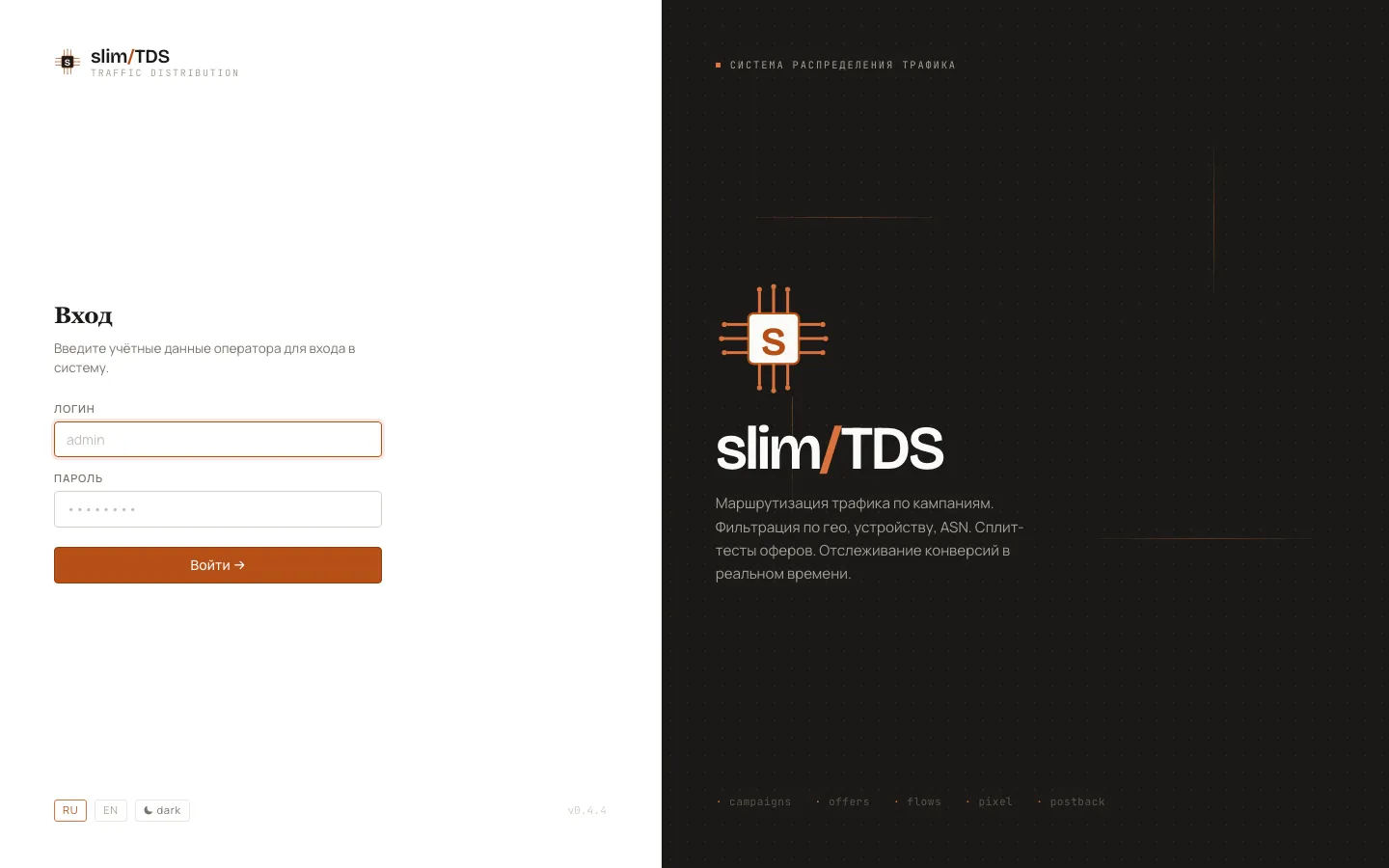
Section titled “Log in”Browse to /admin/login on the host where you exposed slimTDS. Use login admin and the password shown in make env output (also stored in .env as ADMIN_PASSWORD). For details on TLS and serving options, see Deployment.
What you get
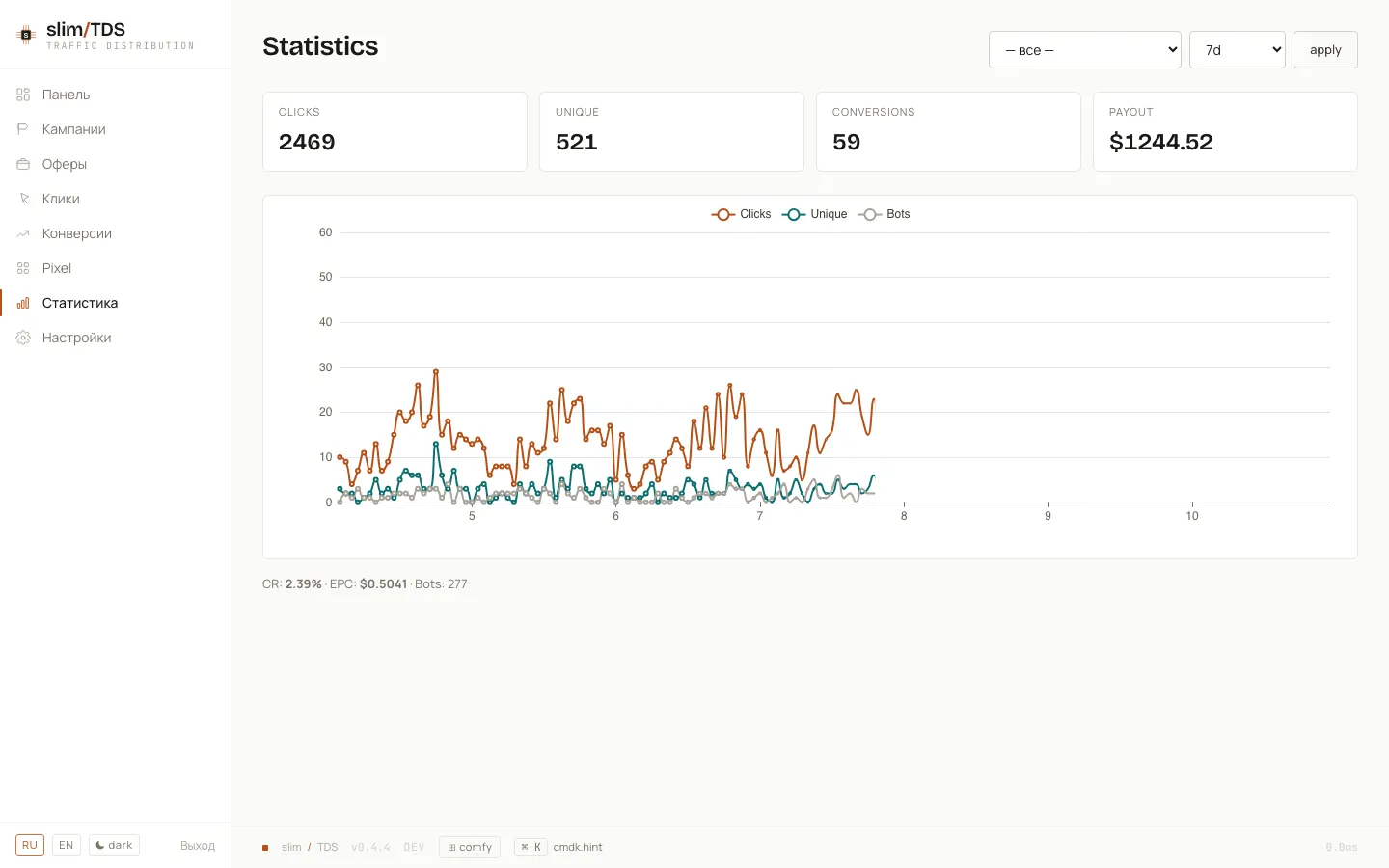
Section titled “What you get”After seeding you have a fully working local instance: four campaigns with live slug URLs (/casino, /dating, /nutra, /site), five global offers wired through flows, and all admin views populated. The statistics dashboard shows click and conversion timeseries, KPI cards, and country/device breakdowns. To understand how traffic routing, campaigns, offers, and flows fit together, read How a click is handled.